Fuel-ups
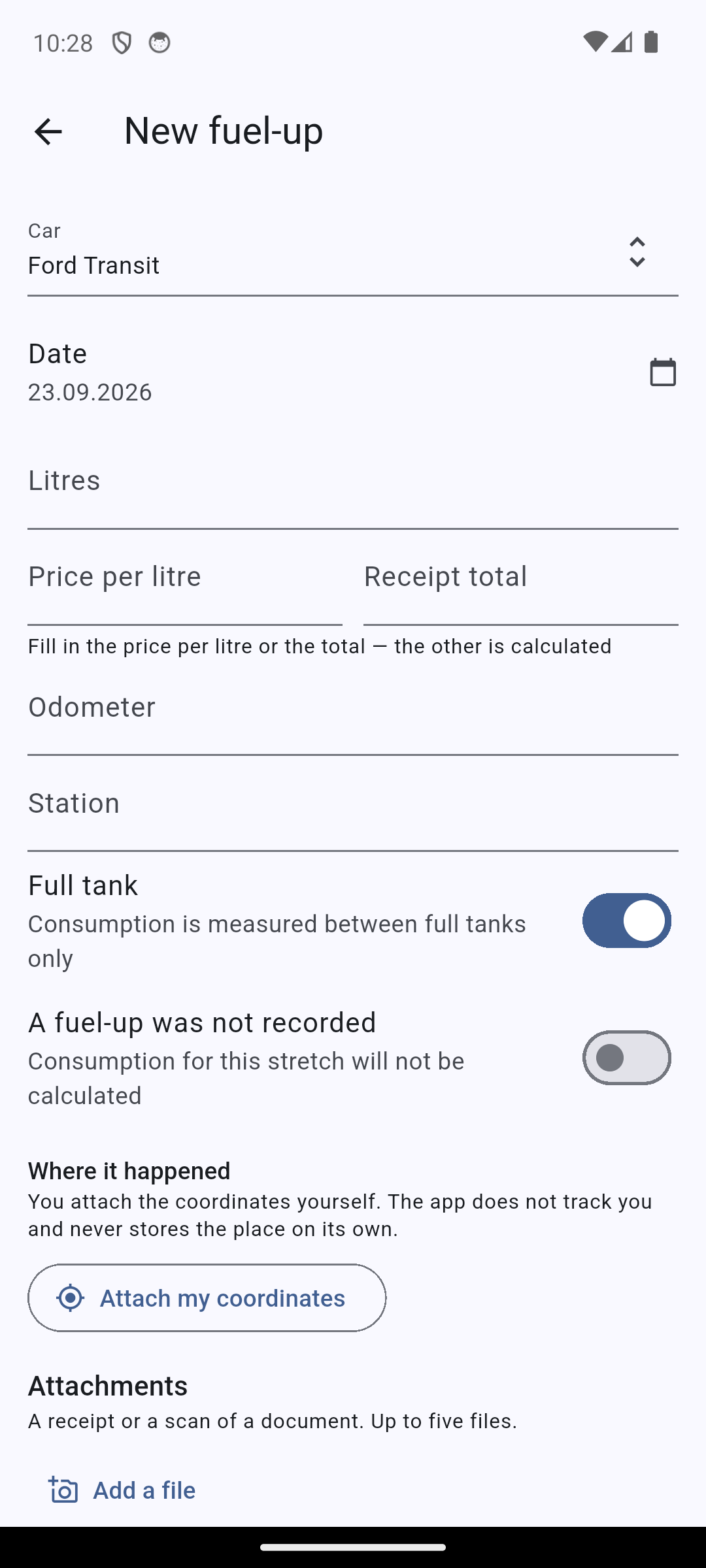
Date, station, litres or price with total, odometer. Consumption and cost per kilometre are calculated for you.
Car expense tracking
Fuel-ups, repairs, insurance and taxes in one place. Consumption and cost per kilometre are calculated for you. Works without internet.
Open the web appWorks offline · No ads · Data is never sold
Last fuel-up
42.3 L · 2,940 ₽
12 September, station on Lenina st.
Average consumption
7.4 L/100 km
over the last 5 fuel-ups
Add a record in the garage or on the road. The app never waits for a network.
Measured between full tanks. Not enough data — we show the reason.
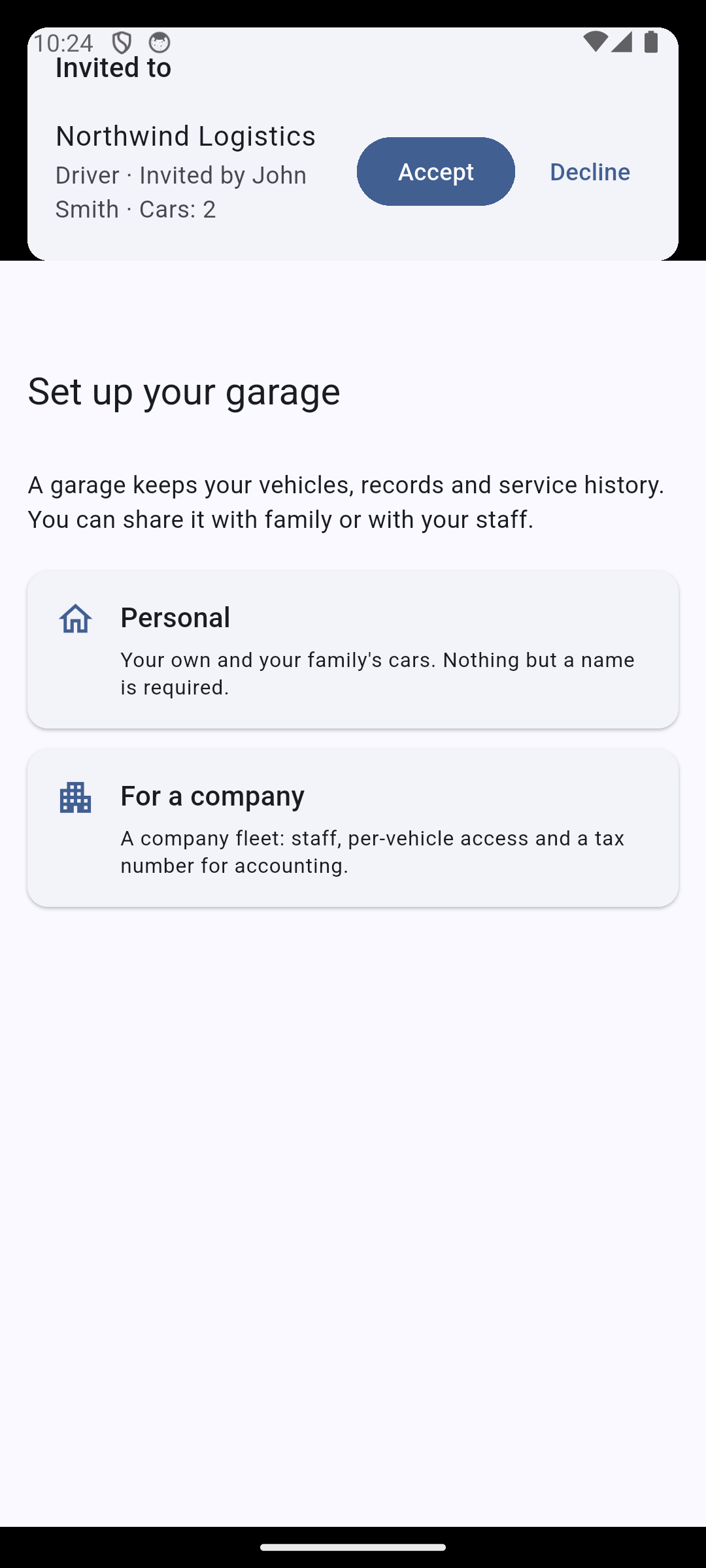
A family keeps one garage, a company keeps its fleet.
Everything the car takes money for, and everything you must not forget.
Date, station, litres or price with total, odometer. Consumption and cost per kilometre are calculated for you.
Car wash, parking, fines, parts, insurance, tax. Every cost in its own category — you can see where the money went.
A standalone reading when there was no fuel-up: before scheduled service or after a long trip.
What is wrong and what you want done — as a list, so nothing is forgotten at the service desk. Photos and a short video go with the request: an engine knock cannot be put in words.
Discover verified repair shops and tyre centres nearby directly on the app map. Instant online booking for routine maintenance, diagnostics and seasonal tyre fitting.
What was done, by whom, for how much and under what warranty. The next service is counted from the work itself, and the warranty period is not lost.
What was replaced, when and at what mileage. Intervals run by both kilometres and dates.
Insurance, inspection, driving licence. We remind you in advance.
Honest numbers
We measure consumption only between two full tanks with no gaps — anything else is guesswork, not measurement.
That way the number can be trusted. An app that always shows something does not give you an answer — it gives you reassurance.
Averages and manufacturer figures are never substituted.
Tank filled to full
7.4L/100 km
measured between two full tanks
Partial fill-up
—
the tank was not filled to full
A fuel-up was missed
—
there is a gap between records
Offline
In an underground car park, in the garage, on the motorway — the app does not wait for the internet. The record is saved at once and reaches the server on its own.
Reminders
Intervals count from both mileage and date — whichever comes first. Document deadlines live next to the car.
Every fuel-up, repair, car wash and fine is in one place. You see what the car took this month and this year.
The app works out litres per 100 km and cost per kilometre from your own fuel-ups. You just enter what the receipt shows: date, litres or price with total, and odometer.
Intervals run by kilometres and by dates. The reminder arrives before the oil is overdue, not after.
When maintenance or tyre swap is due, browse the "Nearby services" section in the app, choose a partner workshop or tyre centre, and book in a couple of taps right from your smartphone.
Insurance, inspection and licence dates live next to the car. The app warns you before a document expires.
Everything is entered offline. Synchronisation happens on its own once you are back online.
A photo of a receipt attaches to any record: a fuel-up, an expense, a work or a document. Taken offline, it leaves with the record once you are back online. Useful when selling the car and in a dispute with a repair shop.
The notification is not just "time to change the oil" — it links to the record it is about: the service interval or the document in question. Nothing to search for.
A visit gets a link — one per repair shop, named by you. Send it however you like: messenger, email. The shop sees the car with its VIN and mileage, your complaints and wishes, photos and video, and answers with a price and a date right there. Shops do not see each other, and the offers sit side by side for you to compare.
The shop almost always needs to ask something, and you need to ask back about the price. The question and the answer stay on the same link instead of a messenger where nobody remembers the deal a week later. Each shop has its own conversation.
By default the request carries no phone number: the shop answers through the link. Want a call? Tick "show my number", and only the shop you sent the link to will see it. Clear the box and the link stops showing it.
The web app opens in a browser and shows the same records: entered at the petrol station from the phone, seen at home on a big screen. Installing the app is optional.
Make, model, year, VIN, body, engine, tank size. Useful both for choosing parts and for telling a repair shop what you drive.
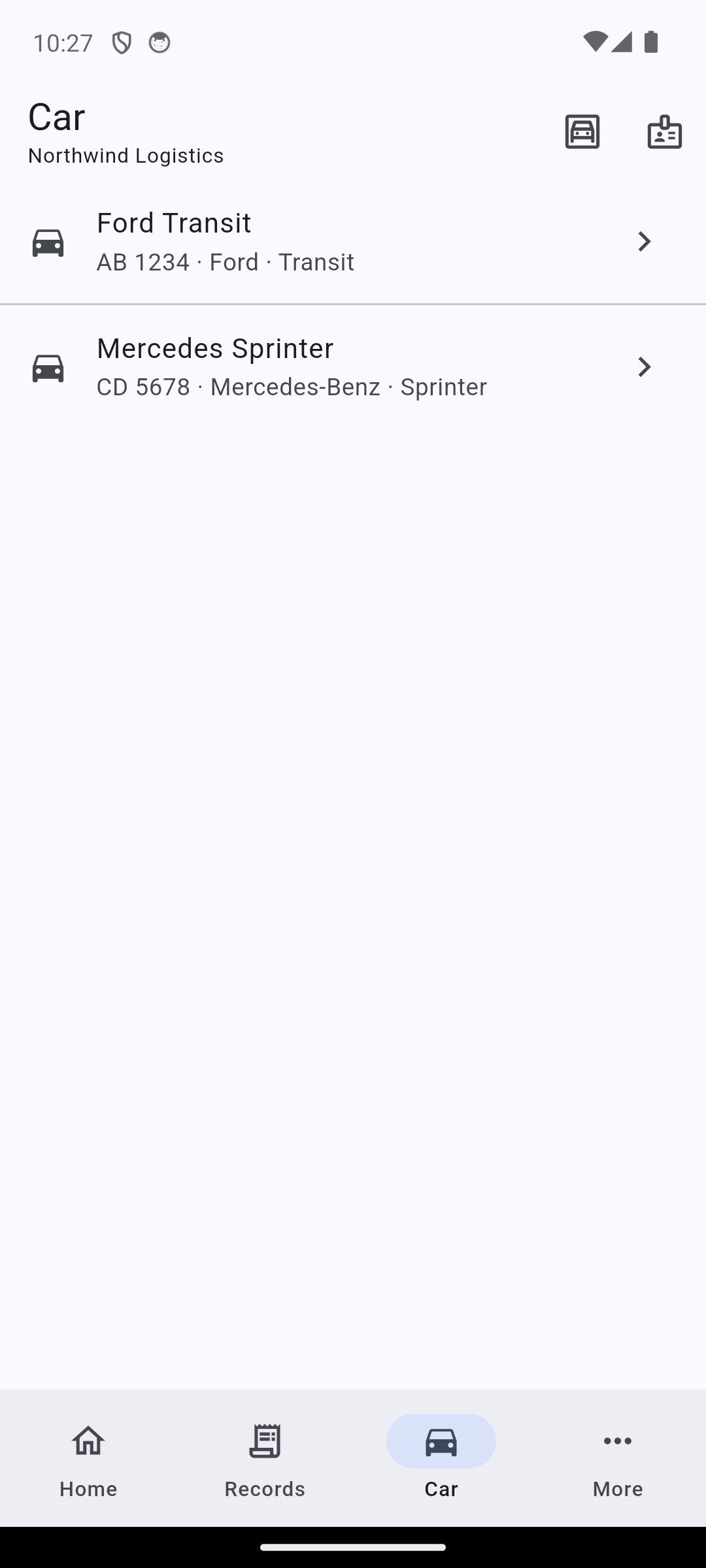
One workspace — several people and several cars.
One person fills up, another records it, both see the same history. You can add several cars, and expenses are counted for each of them separately.
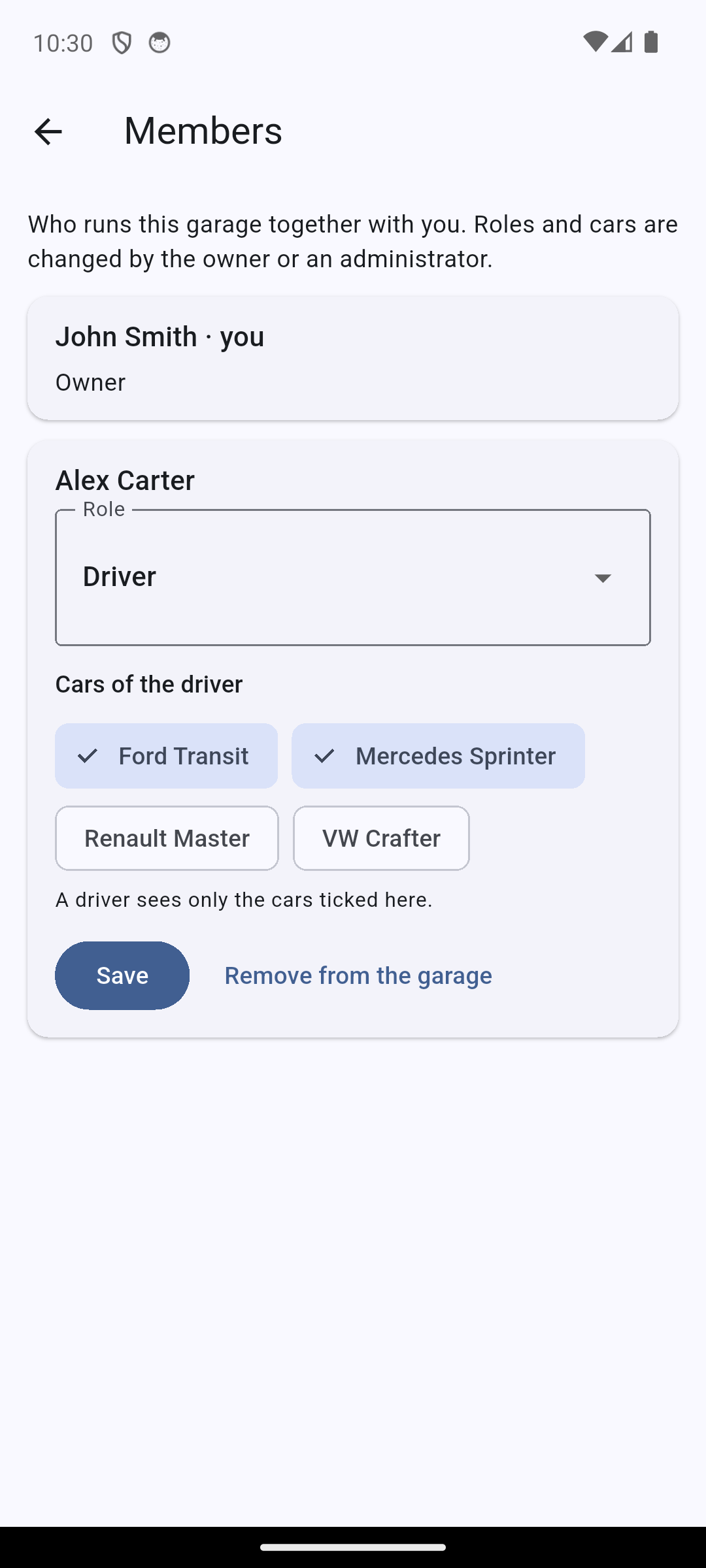
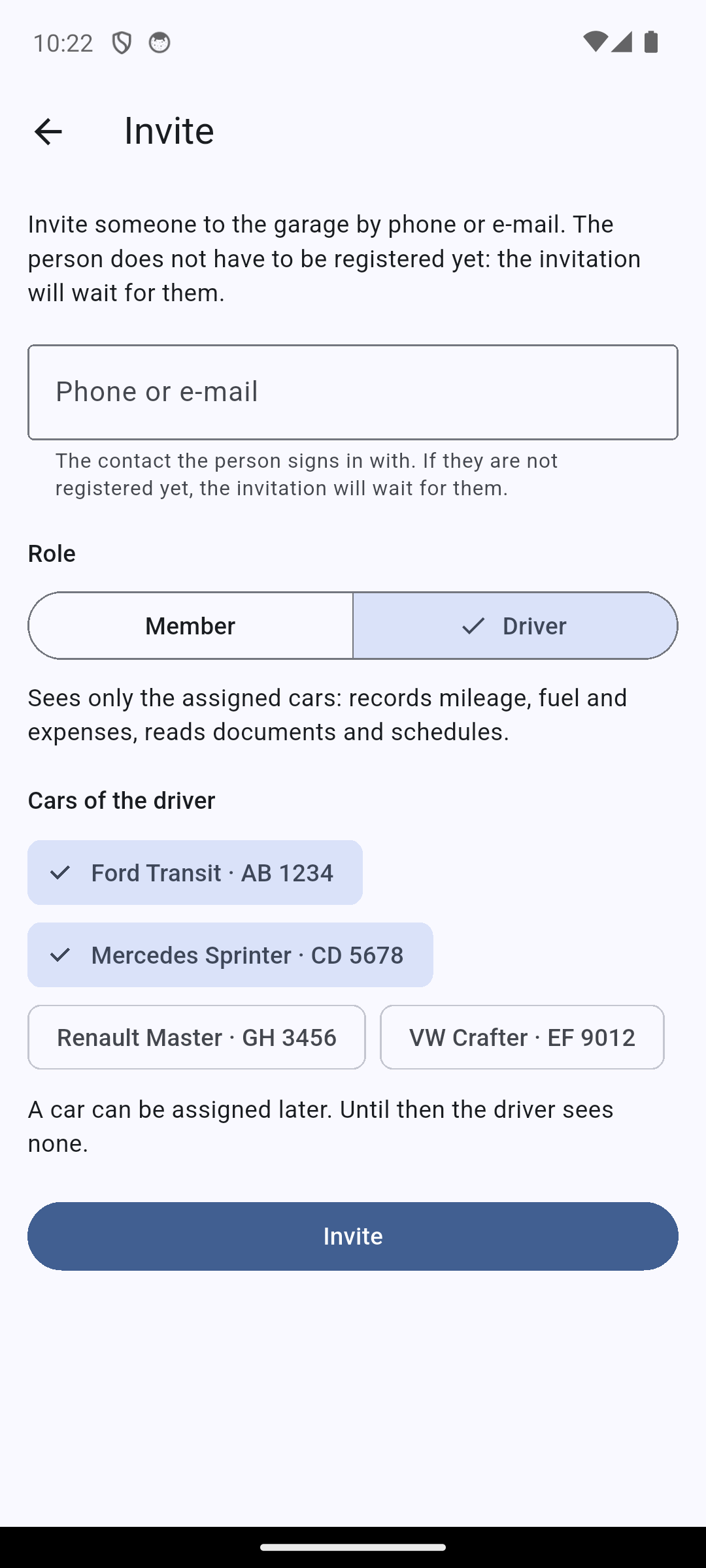
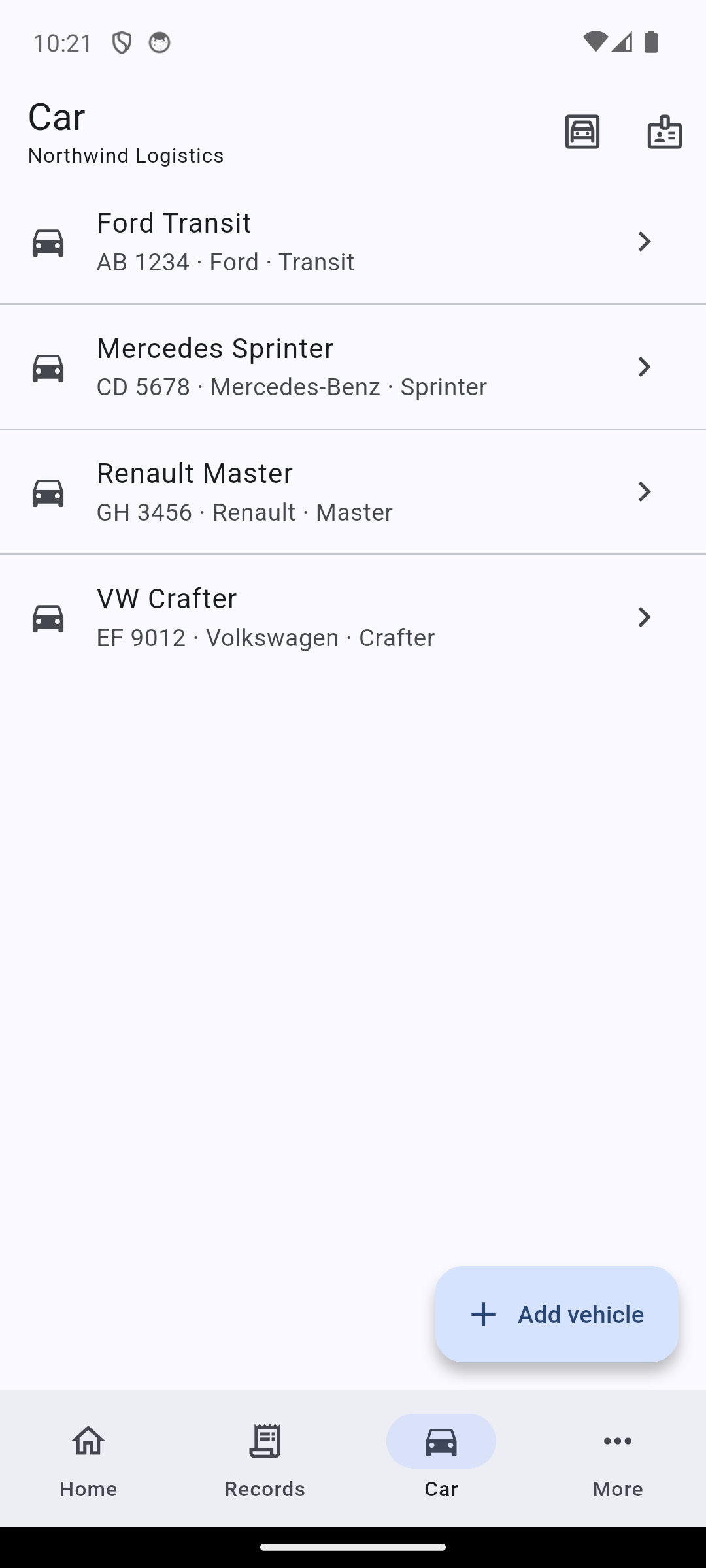
In a company a driver can be given access to their own car only, while the manager keeps the whole fleet.
For companies
The company garage is run by those who need it, and the manager sees the whole fleet. Cars, documents, service schedules and expenses in one place, without spreadsheets and chat.
Free for up to 5 cars
A fleet of up to five cars is free, with no limit on the number of employees. Need more — write to us and we will discuss it.
For leasing companies
The garage stays yours: add a client to your garage and give them their cars. They record mileage, fuel and expenses from their own phone, while you see the whole fleet — no spreadsheets and no "what is the mileage now?" calls.
Free for up to 5 cars
Five cars on the road is free. More — write to us: we will explain how it works and find the right terms.
The app is free. Install it, add your car and start keeping records.
No. Records are entered offline and stored on the phone; synchronisation happens on its own once you are back online.
Your car data is visible to you and to those you invited into your workspace. Access can be revoked at any time.
Only if you tick the box in the request. Without it the shop answers through the link and never sees the number. You can clear the box at any time, and the link stops showing it.
No. You can add several cars; expenses and fuel consumption are counted for each of them separately.
Past fuel-ups and repairs can be entered manually with their dates and mileage. Intervals and consumption pick that history up from there.
The first fuel-up takes a minute. After that the app counts on its own.
Free · Android and iOS · Web app